

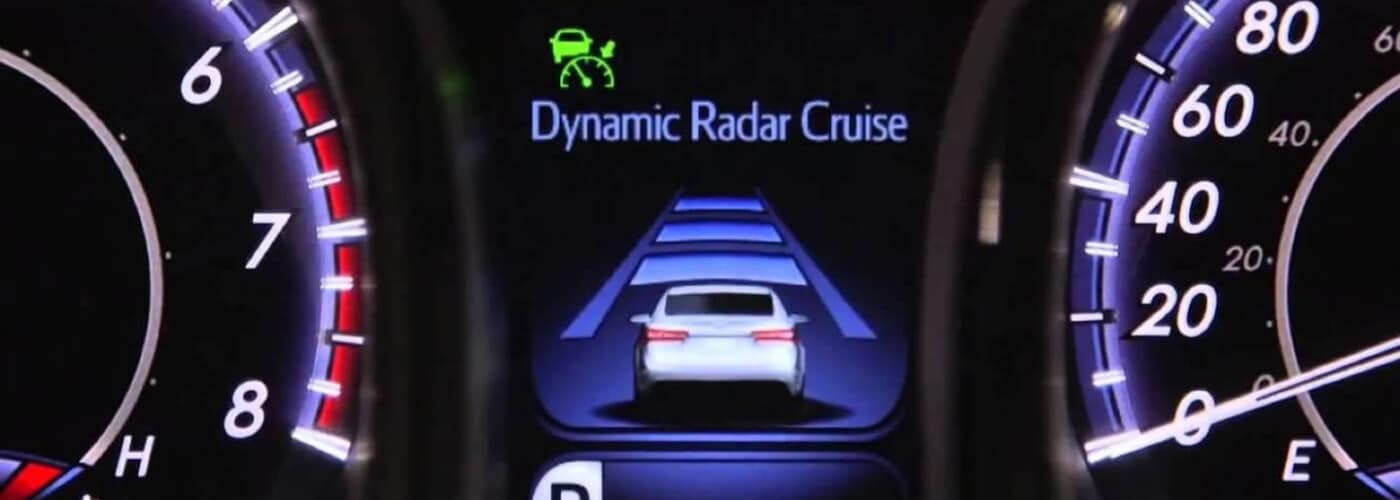
To activate Toyota cruise control, find the cruise control stalk on the lower end of the right side of the steering wheel. Press the “ON/OFF” button located at the end of the stalk. A reading of your vehicle’s speed will appear on the Multi Information Display. Accelerate or decelerate to your desired speed, and press the button on the cruise control stalk once again. That’s it—your present speed is now set! To turn off cruise control, pull the stalk towards you or press the ON/OFF button. Our guide covers how to set up the Toyota cruise control speed and following distance, and how to deactivate the system when you’d like to regain manual control.
How Does Toyota Cruise Control Work?
You may already know that this technology can make your Toyota vehicle even more efficient on Espanola highways and expressways, but how does Toyota cruise control work, exactly? There are two main ways to use Toyota cruise control:
- conventional cruise control: You select a speed and the system will automatically accelerate and decelerate the vehicle to maintain it.
- Adaptive Toyota cruise control: Allows you to choose a preset following distance. The system automatically accelerates or decelerates the vehicle to maintain that following distance.
How to Change the Toyota Cruise Control Speed
After activating Toyota cruise control and selecting a speed, you can continue to adjust the speed setting up or down while you drive in Albuquerque. Here’s how to set up Toyota cruise control with a faster or slower speed:
- To go faster, push the Toyota cruise control stalk upward and hold until the vehicle reaches your desired speed. Then, release the stalk.
- To slow down, push the stalk down and hold as you decelerate, then release when the vehicle reaches your desired speed.
How to Use Toyota Cruise Control Distance Holding
Depending on the speed you’re traveling at and the traffic in Rio Rancho, you will want to adjust your Toyota cruise control’s preset vehicle-to-vehicle distance feature. Learning how to set up the Toyota cruise control following distance is simple, and allows you to customize the amount of space between you and the vehicle ahead as needed:
- Find the radar range button located on the lower right side of the steering wheel.
- Press it repeatedly to cycle through the available speed ranges, which will be shown on the vehicle’s Multi Information Display.
To disable the Toyota cruise control distance holding feature, push the cruise control stalk away and hold it until the indicator disappears. The distance holding indicator will disappear and the conventional Toyota cruise control indicator will return.
Questions About Toyota Cruise Control or Other Technology Features?
We’re here to help! The team at Toyota of Santa Fe is happy to assist you with setting up Toyota cruise control, getting the most out of your AWD system, and anything else you need to know! Check out our guide to the wide range of innovative Toyota SUV technology and performance features to learn more today.
